Some Bash tools are so good that then end up being the goto tool for a particular application year after year.
IPTraf now IPTraf-ng, is one such tool. I have been using it for at least 20 years and nothing has come close to replacing it for live network monitoring.
Just fire it up with iptraf-ng to get started. This will bring you to a choice menu:
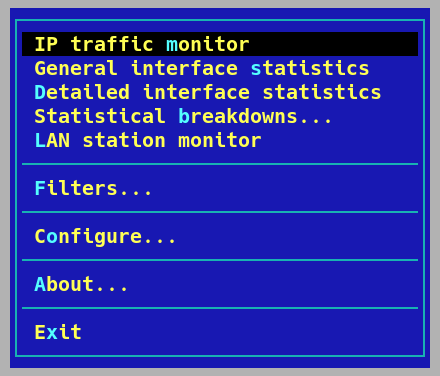
IP traffic monitor
This section allows you to view your network traffic by connected IP address over an interface, either individually or all together. The fist menu shows this clearly:
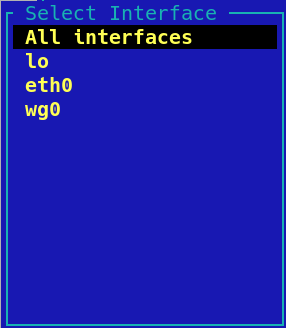
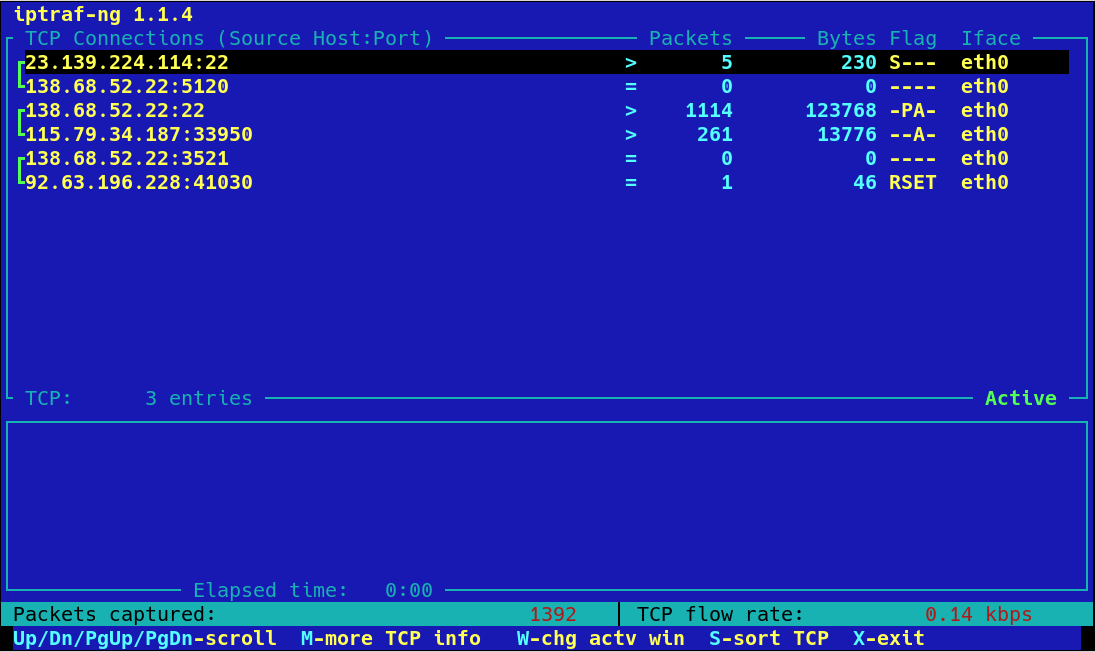
Once you select the interface you need you will get a view of all the IPs connected to your server, their port and their speed:
General interface statistics
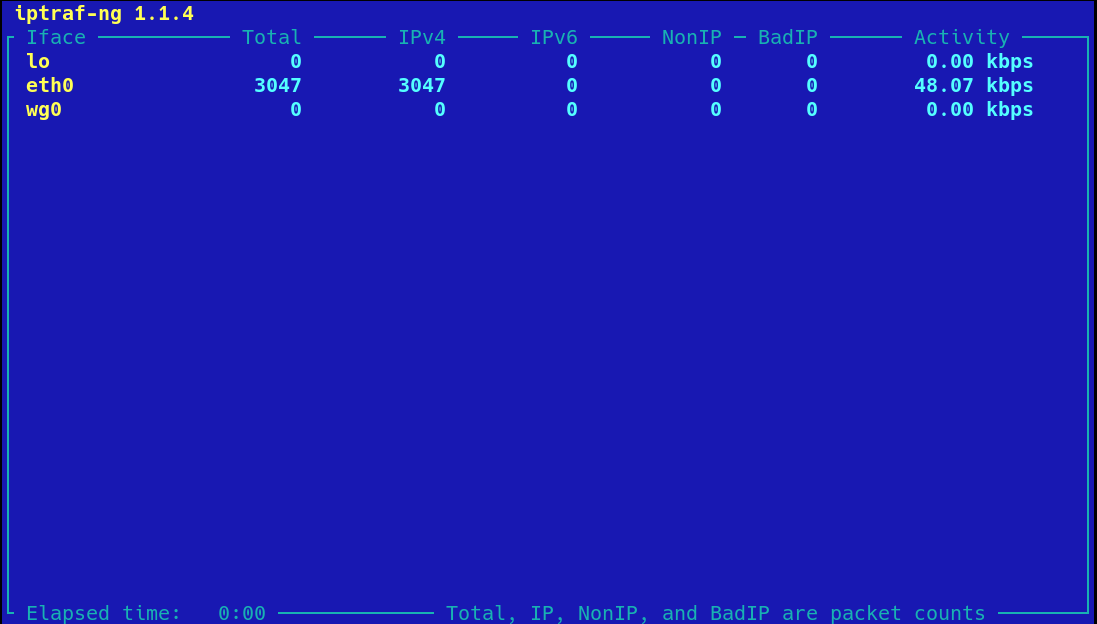
This page shows only the total traffic passing across the server’s interfaces:
Detailed interface statistics
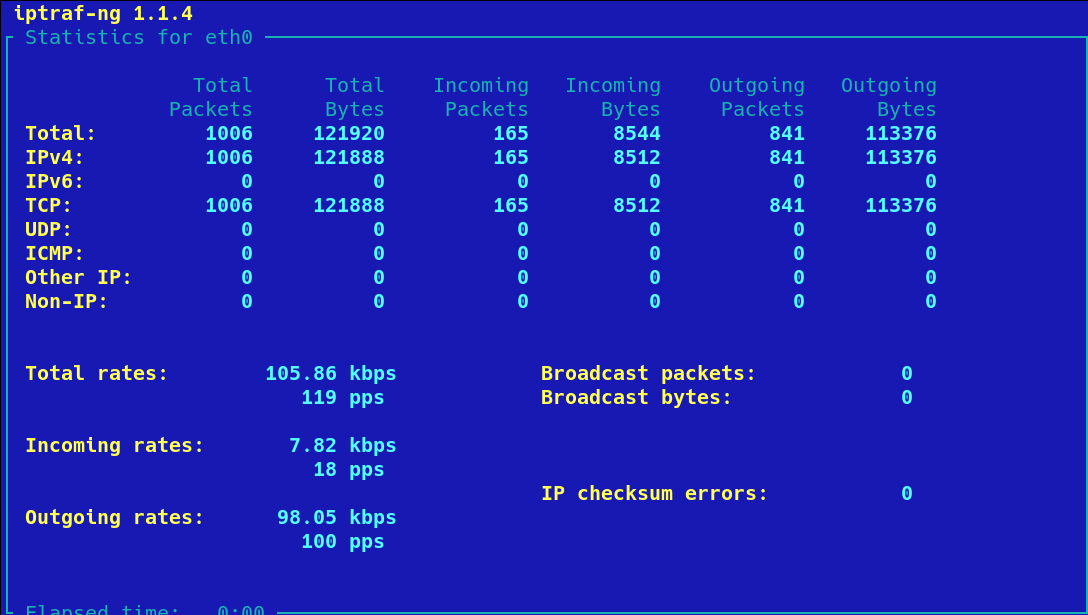
This page shows lots of information about the nature of the network traffic passing across the server’s interfaces. Here is eth0 on a server:
Statistical breakdowns…
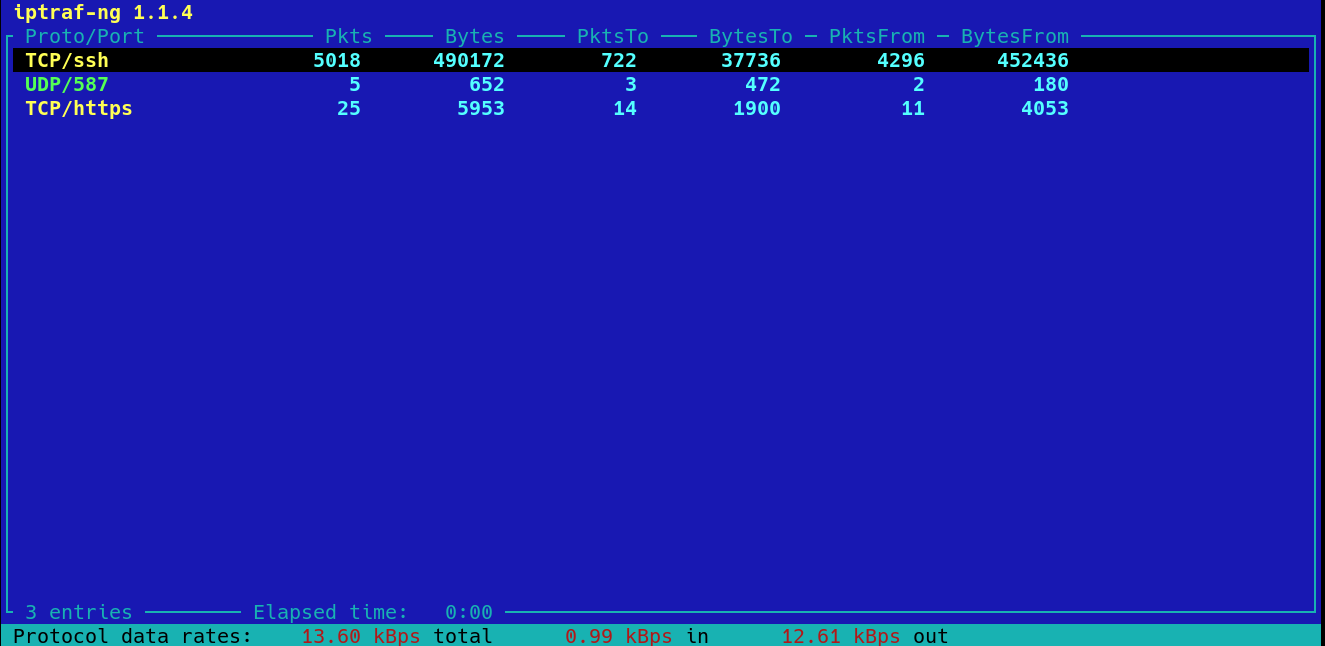
This section allows you to break down the network traffic by either port or packet size. Here is the port information:
Conclusion
All of these different, real time views allow you to get a deep a quick understanding of exactly what network traffic is passing across your server right now.
No other tool comes close to iptraf-ng.